
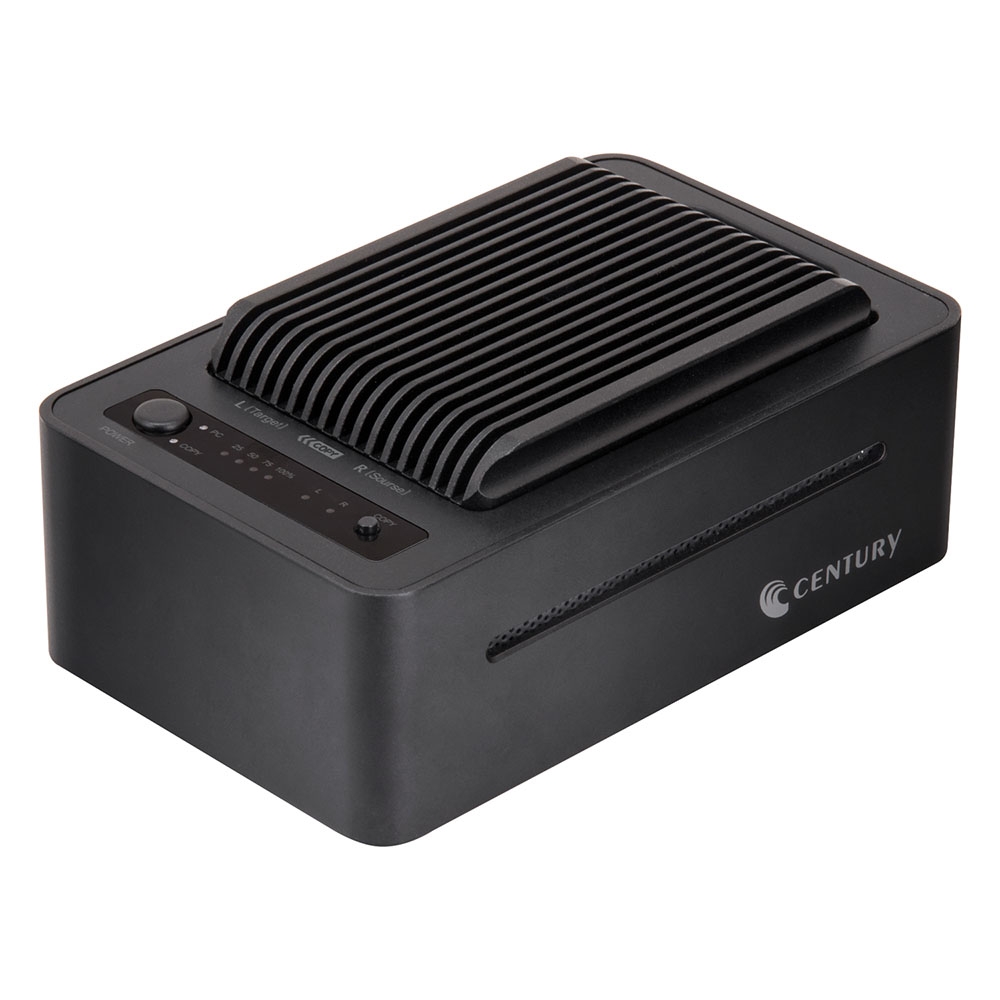
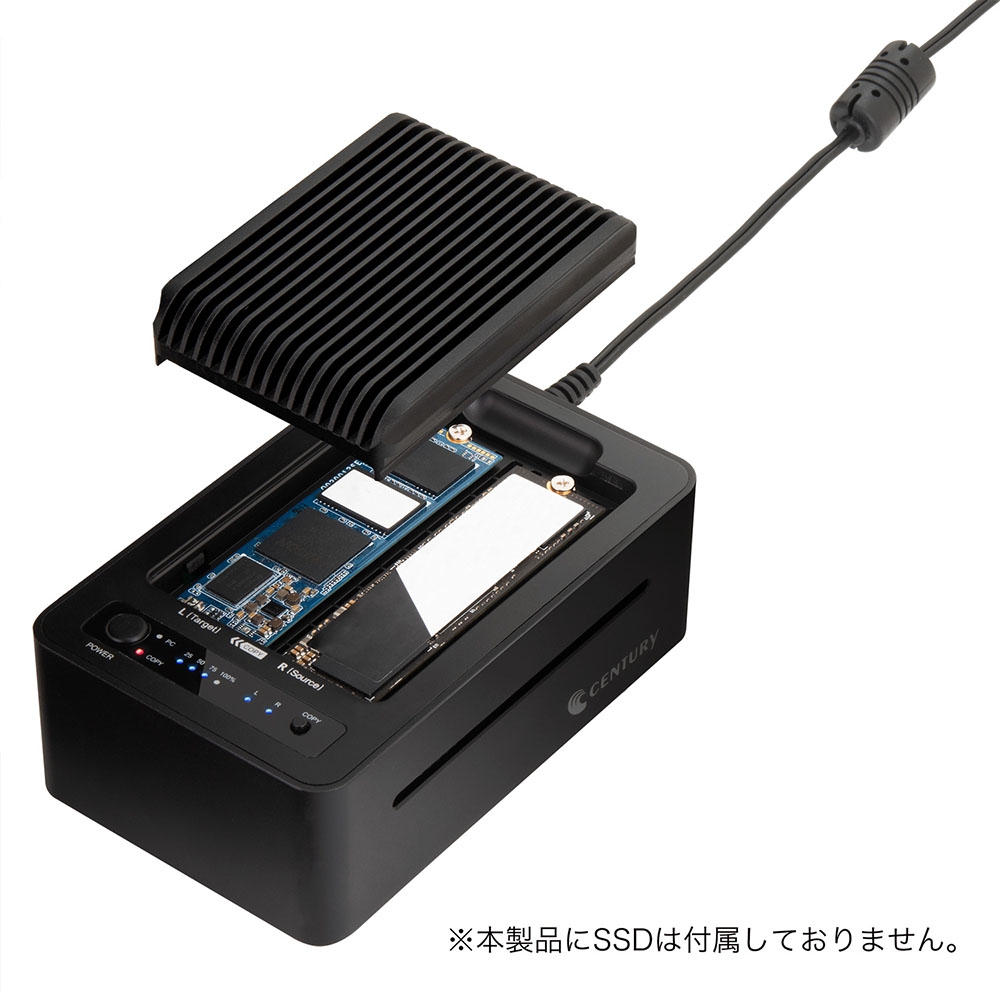
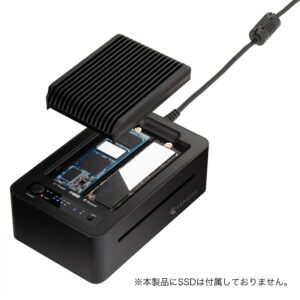
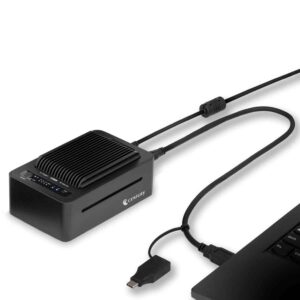
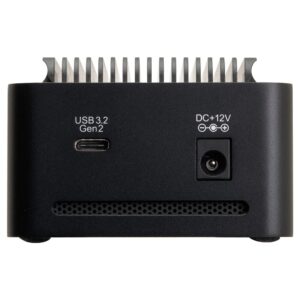
High-speed copying of the entire M.2 NVMe SSD without a PC
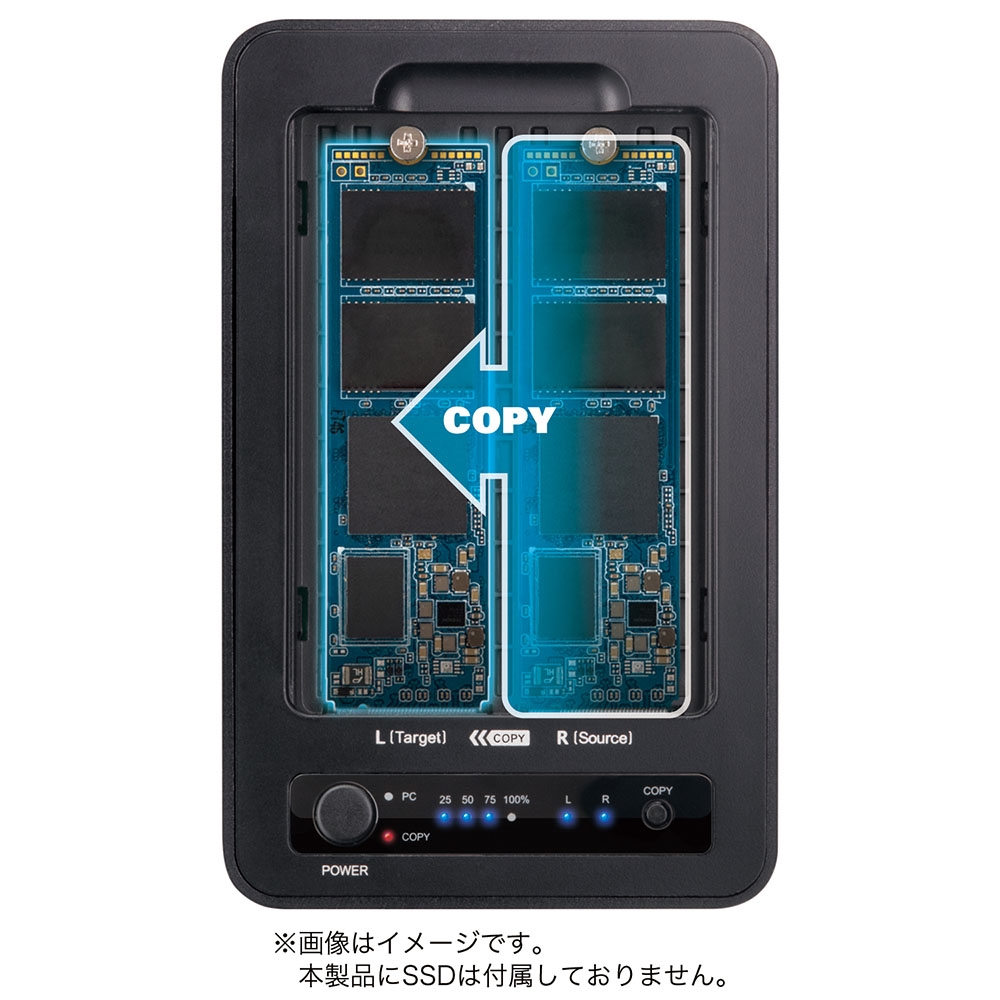
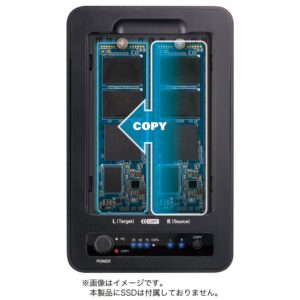
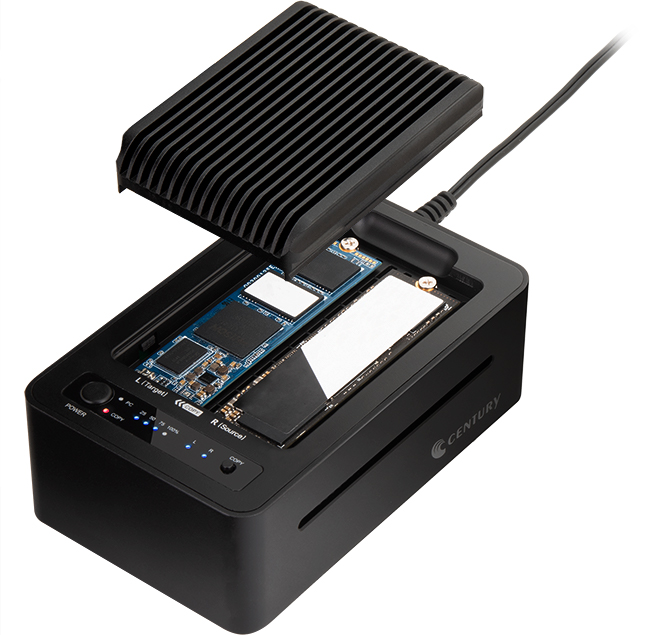 Set two M.2 NVMe SSDs as the copy source and copy destination, and start copying with a single button!
In addition to copying M.2 NVMe SSDs of the same capacity, you can increase the capacity of the M.2 NVMe SSD used by copying from a small capacity to a large capacity one.
*It is not possible to copy the total capacity from large to small, such as 2TB to 1TB.
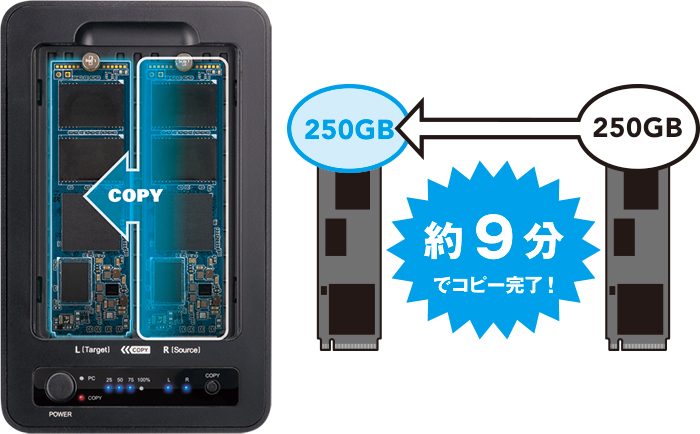 250GB → 250GB M.2 NVMe SSD completes copying in about 9 minutes.
*Actual measurement in our environment: Samsung970EVO (250GB) → WD NVMe Black (250GB)
*Copy time varies greatly depending on the SSD used.
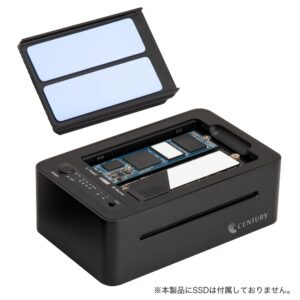
Can be used as a 2-bay external cradle with USB3.2 Gen2 connection
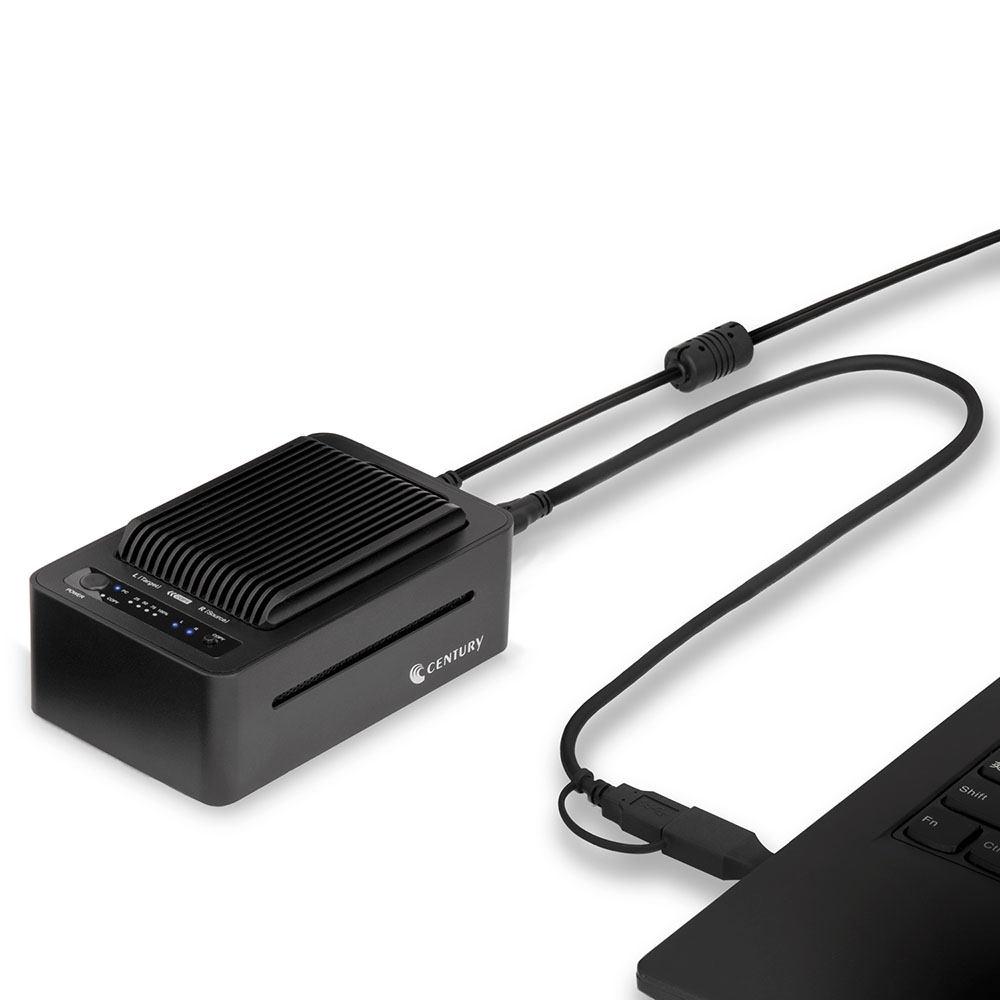
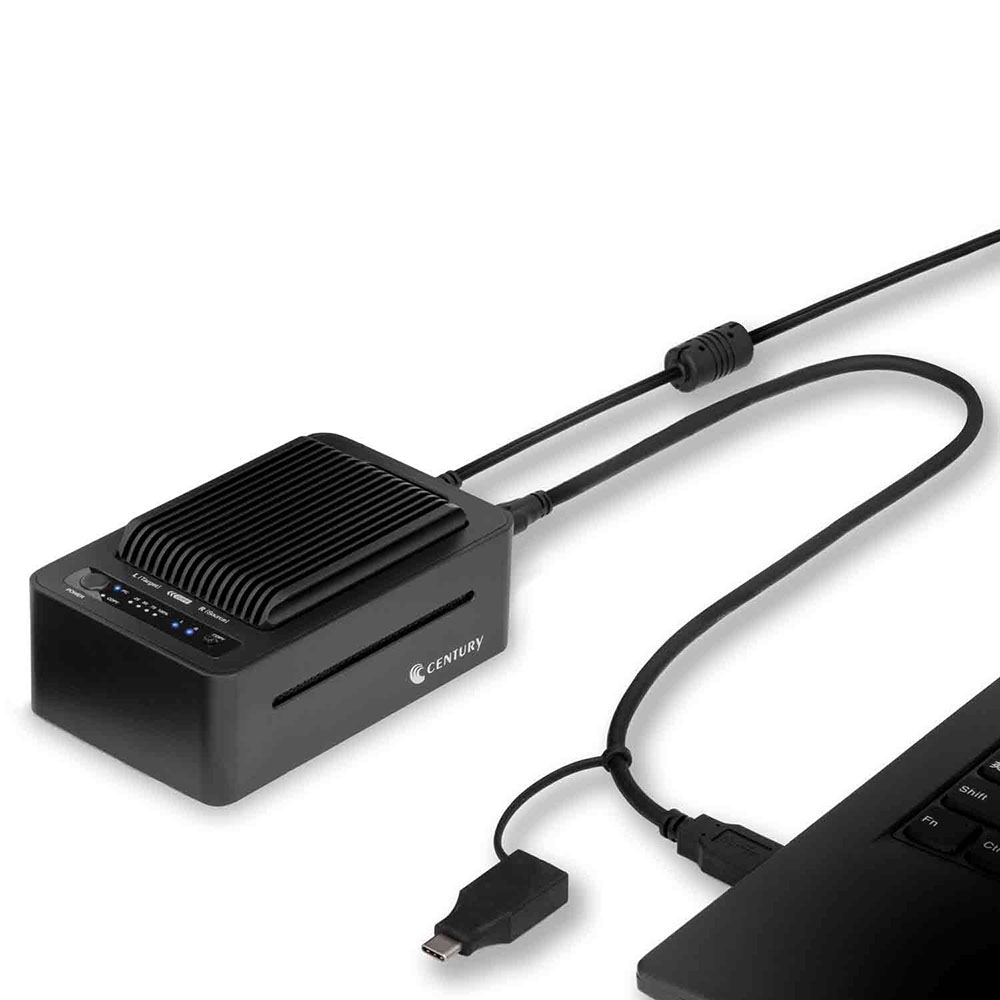
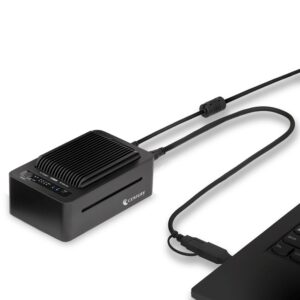
By connecting to a PC with a USB cable, it can be used as an external cradle (SSD case).
Comes with a dedicated USB cable with a Type-C conversion connector that supports both USB Type-A and Type-C.
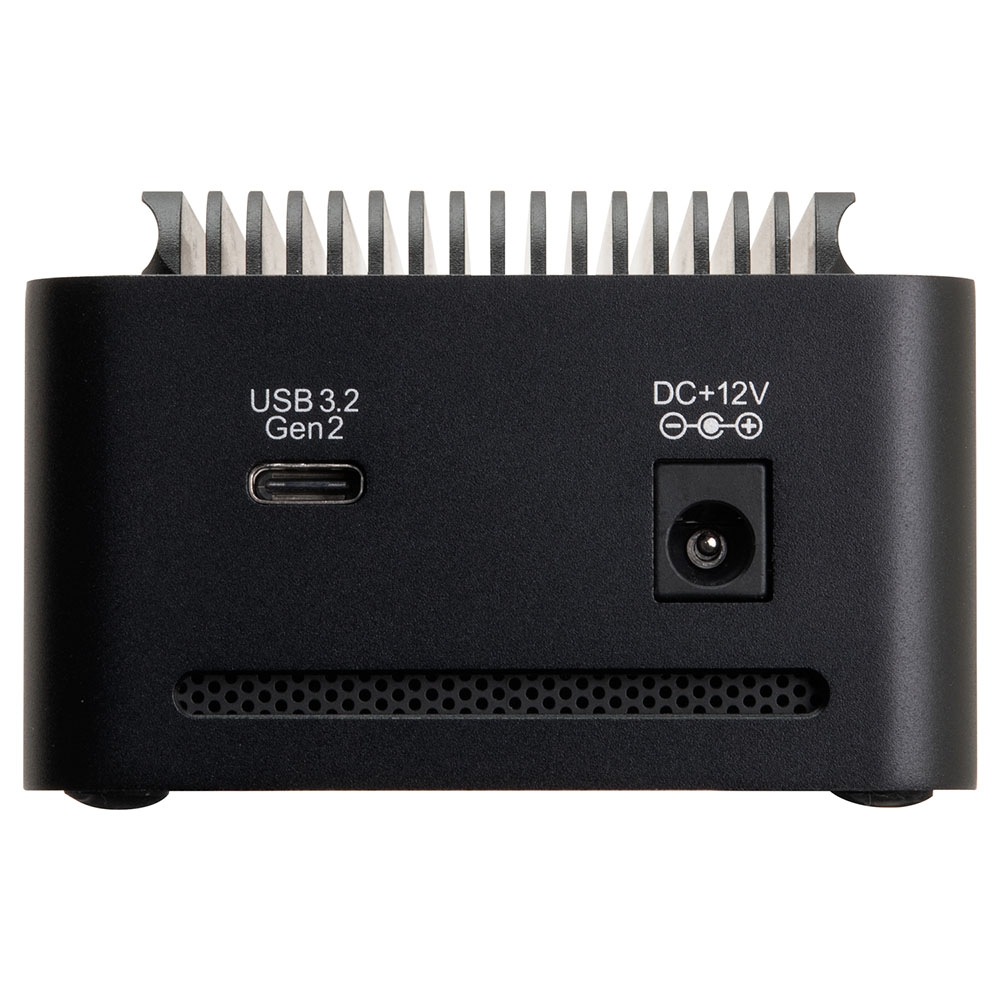
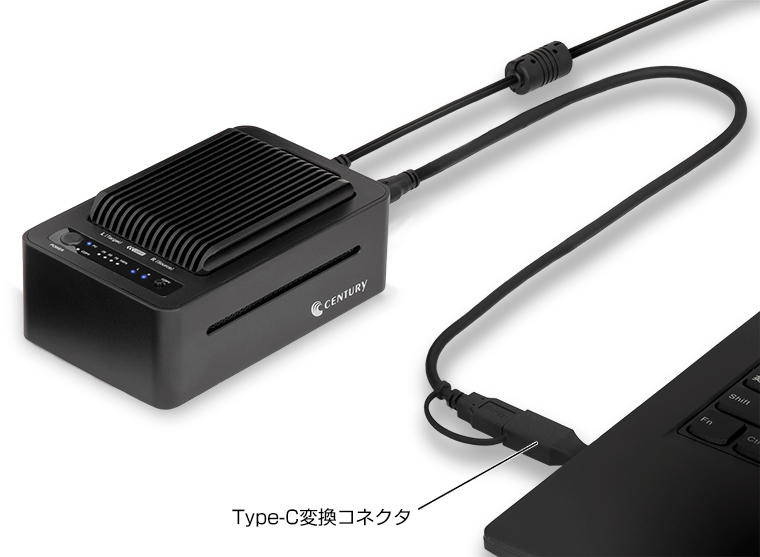 Supports USB3.2 Gen2, high speed transfer up to 10Gbps (theoretical value).
 Actual measurement in our environment [SSD] Samsung970EVO 250GB [Software] Crystal Diskmark6.0.2
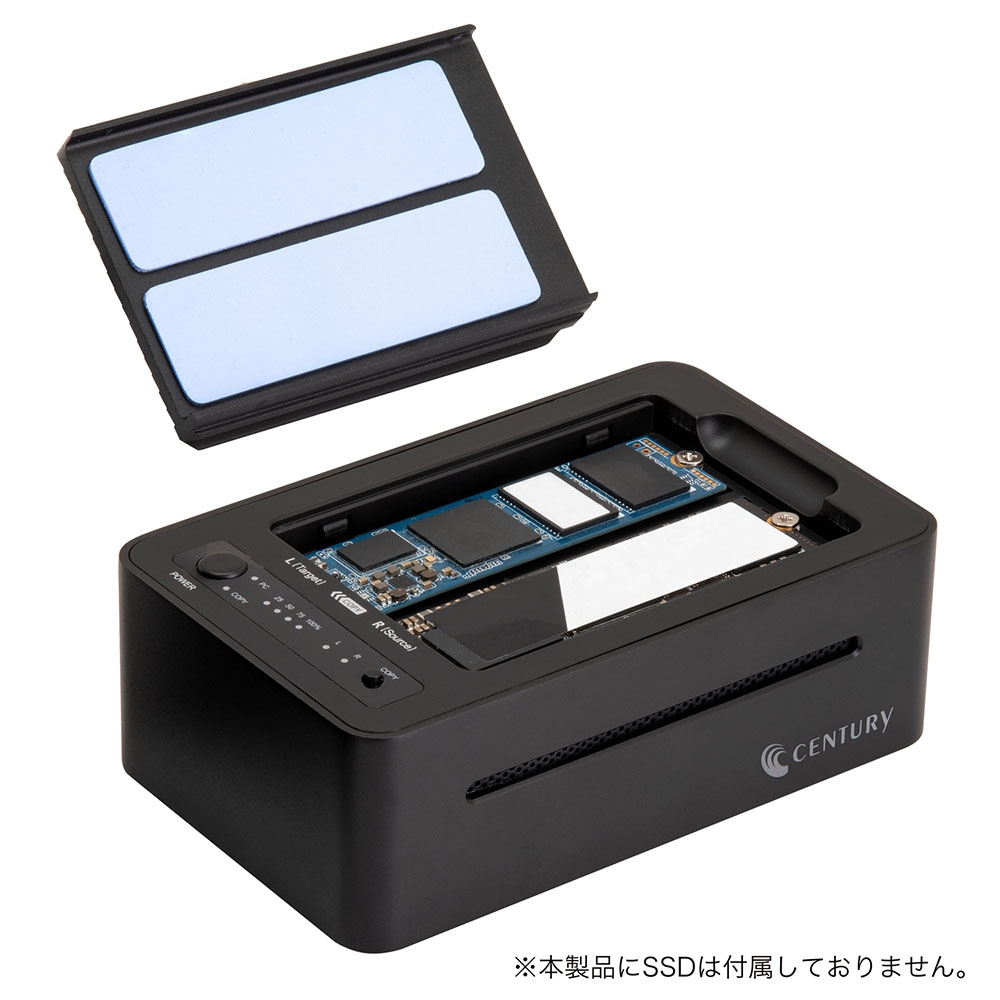
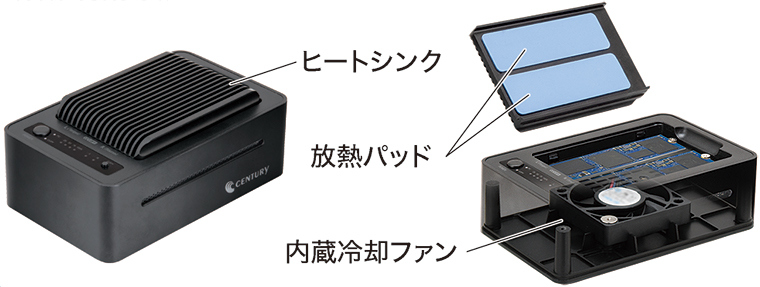
Built-in cooling fan and heat sink improve cooling efficiency!
Double cooling of heatsink and fan prevents slowdown of SSD.
Reviews
There are no reviews yet.